Getting Started with the FSE Design Pack
Before you Install
Make sure that you are using the latest versions of any of our Full Site Editing (FSE) themes: Neve FSE / Jaxon / Riverbank / Fork / Raft.
How to Install and Activate the FSE Design Pack
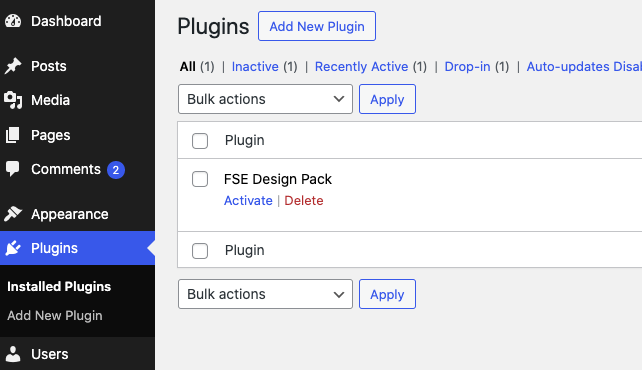
From your Themeisle Store Account, download the plugin Zip file. In your WordPress dashboard, go to Plugins \ Install New \ and choose the zip file from your computer. After installing the plugin, you can activate it.
Activating your License
In order to enable future updates you will need to add and activate your License. The License can be found in your Themeisle Store account. Paste the License Number Under Settings \ General \ FSE Design pack License
You will also see a notification at your dashboard, with quick links to obtain and validate your license.

Importing the layouts
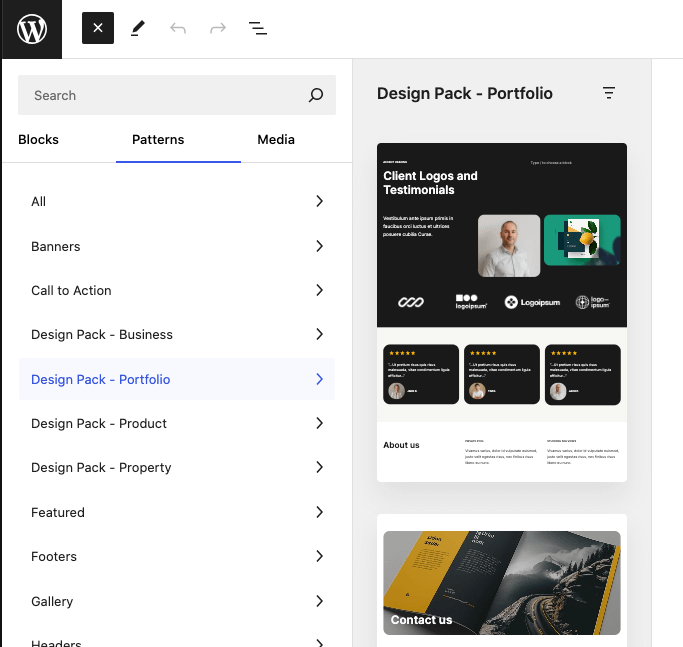
All layouts are available as patterns, and easily accessible via the pattern library and categorised in collections. Open any page, insert a pattern into it and enjoy a modular setup that you can customise and extend.