

Using Contact Form 7 to PayPal Integration
The PayPal Integration feature from the Redirection for Contact Form 7 (available from the Marketer plan) enables users to accept secure payments and donations directly through their forms.
How to install it
- Download the Redirection For Contact Form 7 Extension - PayPal Integration plugin from your purchase history.
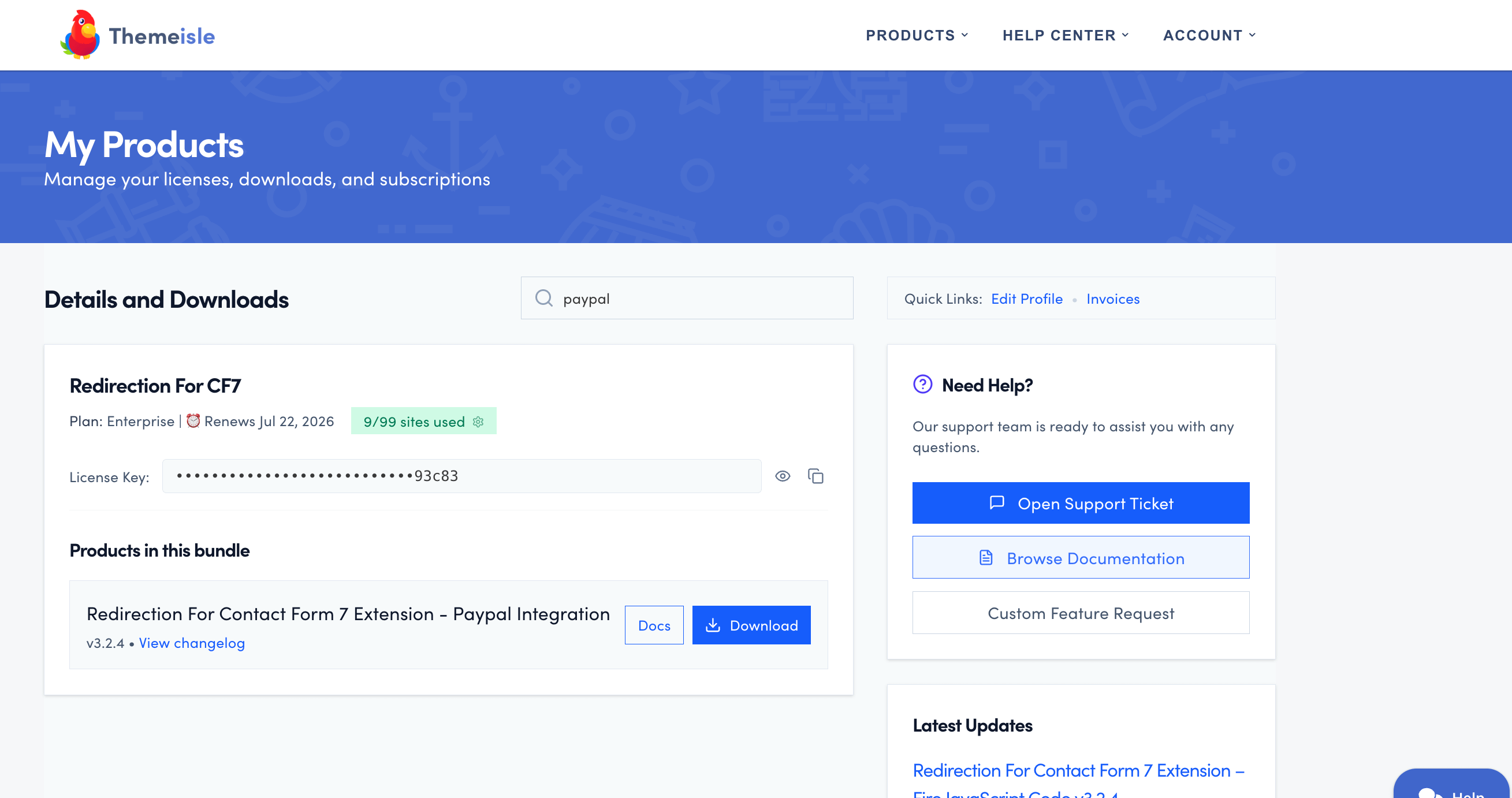
- Install the plugin on your site.
Need help installing a plugin? Check this doc for step-by-step details.
- In your WordPress dashboard, navigate to CF7 Redirection > Dashboard > Licenses and activate the license. ( The license is also available in your purchase history ).

How to use it
- Edit the C7 contact form of your choice.
- Navigate to the Actions tab.
- Click on the Add Action button and choose the Redirect to PayPal action.

